
3-Panel Search
View criteria, results, and map together. Resize or hide panels to personalize your workspace.

BrokerBay helps you manage showings, register offers, and centralize key listing details. Many NLAR REALTORS® use it as their primary booking and scheduling tool.
We encourage you to get familiar with the platform so you can respond quickly to showings and keep your listings organized.
Download the mobile app to book, confirm, and manage showings anywhere.


FINTRAC is Canada’s financial intelligence unit that helps detect, prevent, and deter money laundering and terrorism financing. REALTORS® must follow identification and record-keeping rules to remain compliant.

Fintracker is an identification & verification tool that automatically completes the required FINTRAC ID forms—streamlining compliance, reducing errors, and keeping secure digital records.
Learn more: fintracker.ca


The Home Price Index (HPI) is a tool provided by CREA with data specific to Newfoundland. It’s perfect for quick, high-level market evaluations and pairs well with your Comparative Market Analysis to explain pricing changes clearly to clients.

The MLS® Home Price Index provides advanced, accurate insight into home price trends across participating boards in Canada. Unlike averages or medians—which can swing month to month—the HPI is based on how buyers value home attributes over time, giving you an “apples to apples” view of price movements.
Want to know more? Check out the video below.
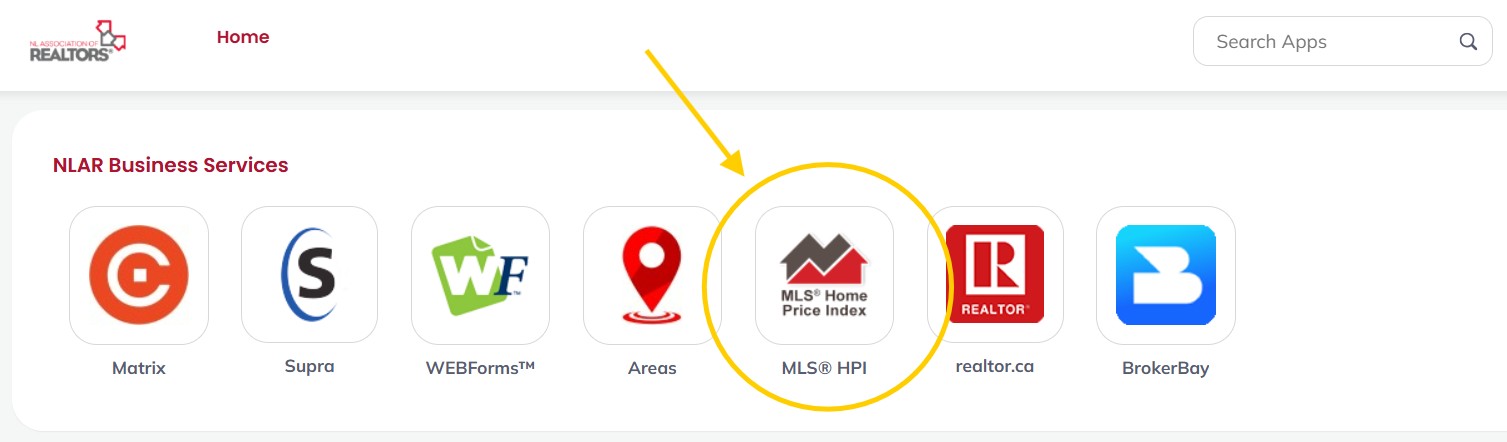
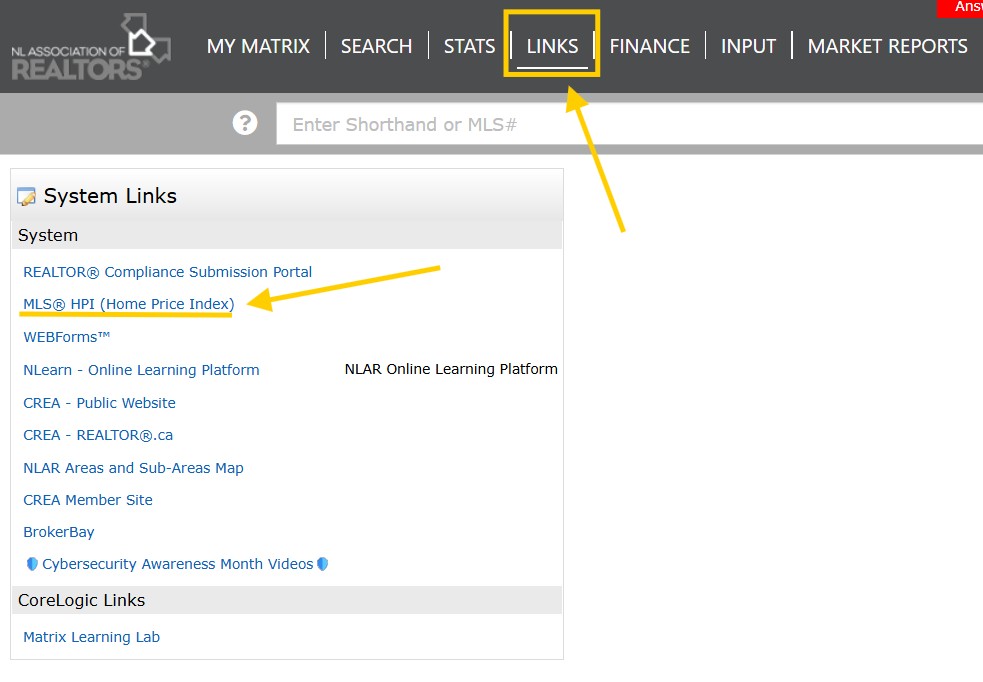
You’ll find the MLS® HPI in your Clarity Dashboard, and in Matrix under the LINKS tab.
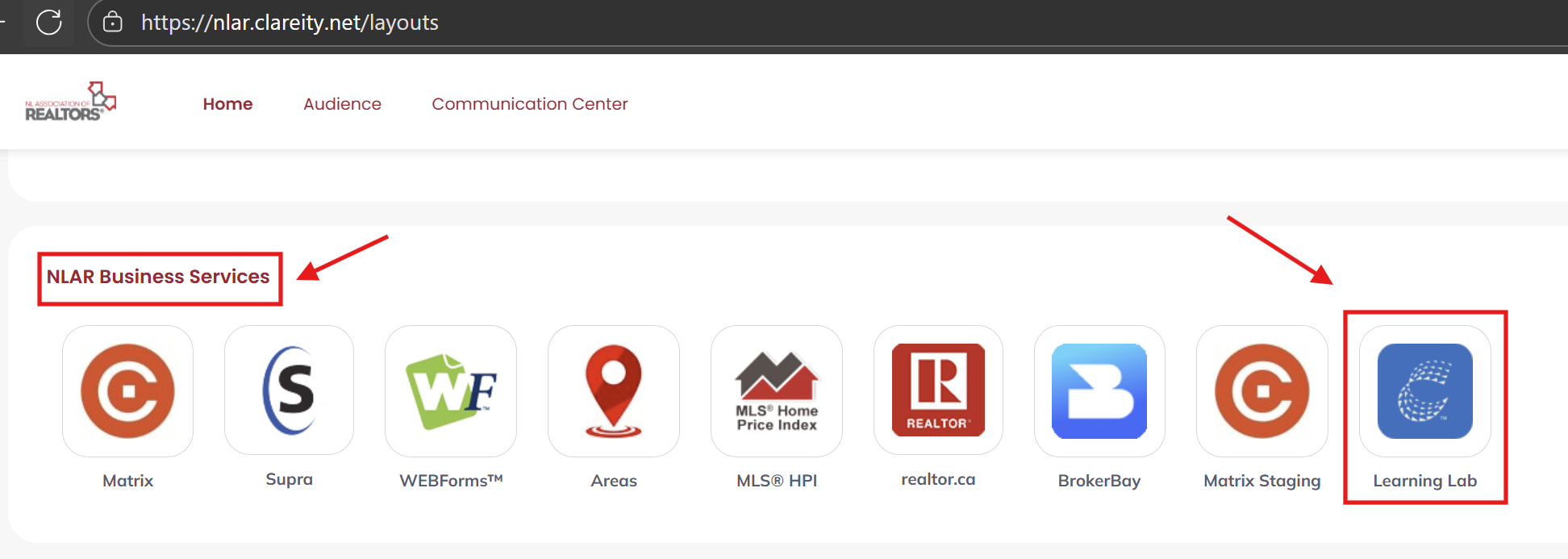
Visit the CREA Learning Lab for a help guide, intro & tutorial videos, a skills course, a webinar, and a ready-to-use presentation.
Learning Lab
Matrix from CoreLogic® is North America’s leading MLS platform, trusted by 1M+ real estate professionals. Widely recognized as a leading listing management platform, it combines efficiency and innovation to help professionals find, manage, and market listings effectively.
It also blends speed, flexibility, and powerful client tools—integrating smoothly with OneHome™ and Prospects Mobile™.
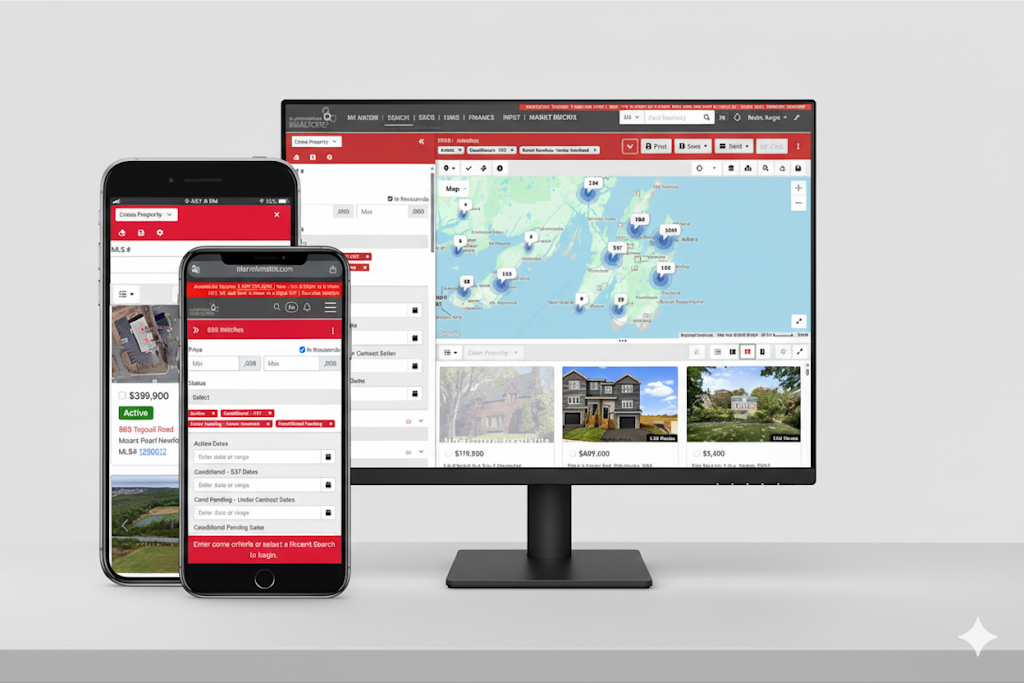
Availability depends on your MLS rollout. If you have v12, be sure to switch to the New Mode to see these upgrades.
View criteria, results, and map together. Resize or hide panels to personalize your workspace.
Quicker access to saved searches, carts, print/email, and one-click map tools.
Cleaner typography, improved spacing, and consistent actions so everything feels “where it should be.”
Seamless hand-offs to OneHome™, Prospects Mobile™.
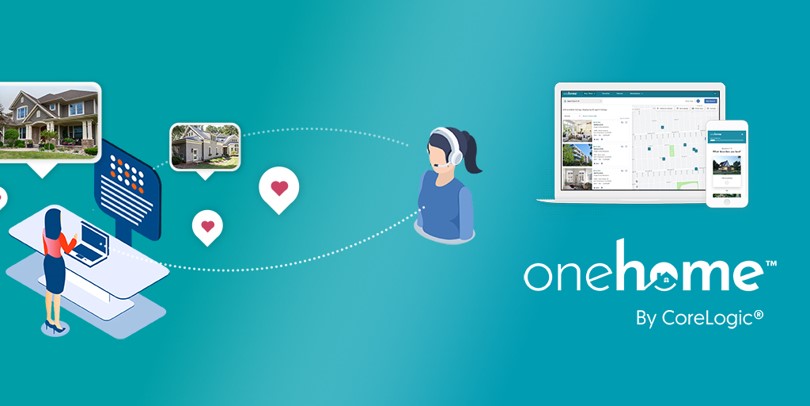
Collaborate with clients, curate listings. Invite clients from Matrix™ to a modern portal with real-time listings, personalized recommendations, neighborhood insights, school data, and guided home-buying resources. Stay top-of-mind with activity insights and priority opportunities.

#1-rated mobile MLS app. The mobile extension to Matrix™, built for speed on the go. Access listings, tax data, parcel dimensions, market insights, and client activity—anywhere. Brand & Share lets you offer a personalized client app experience.
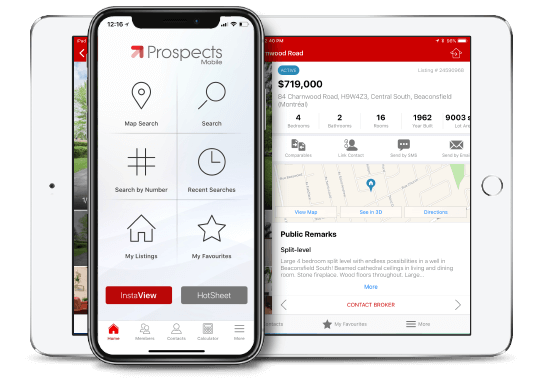
Native app performance with photo-forward results, filters, and precise map drawing.
Seamless hand-offs with Matrix™, OneHome™ keep workflows connected.
Agent-first features and intuitive UI—use it like a pro on day one.

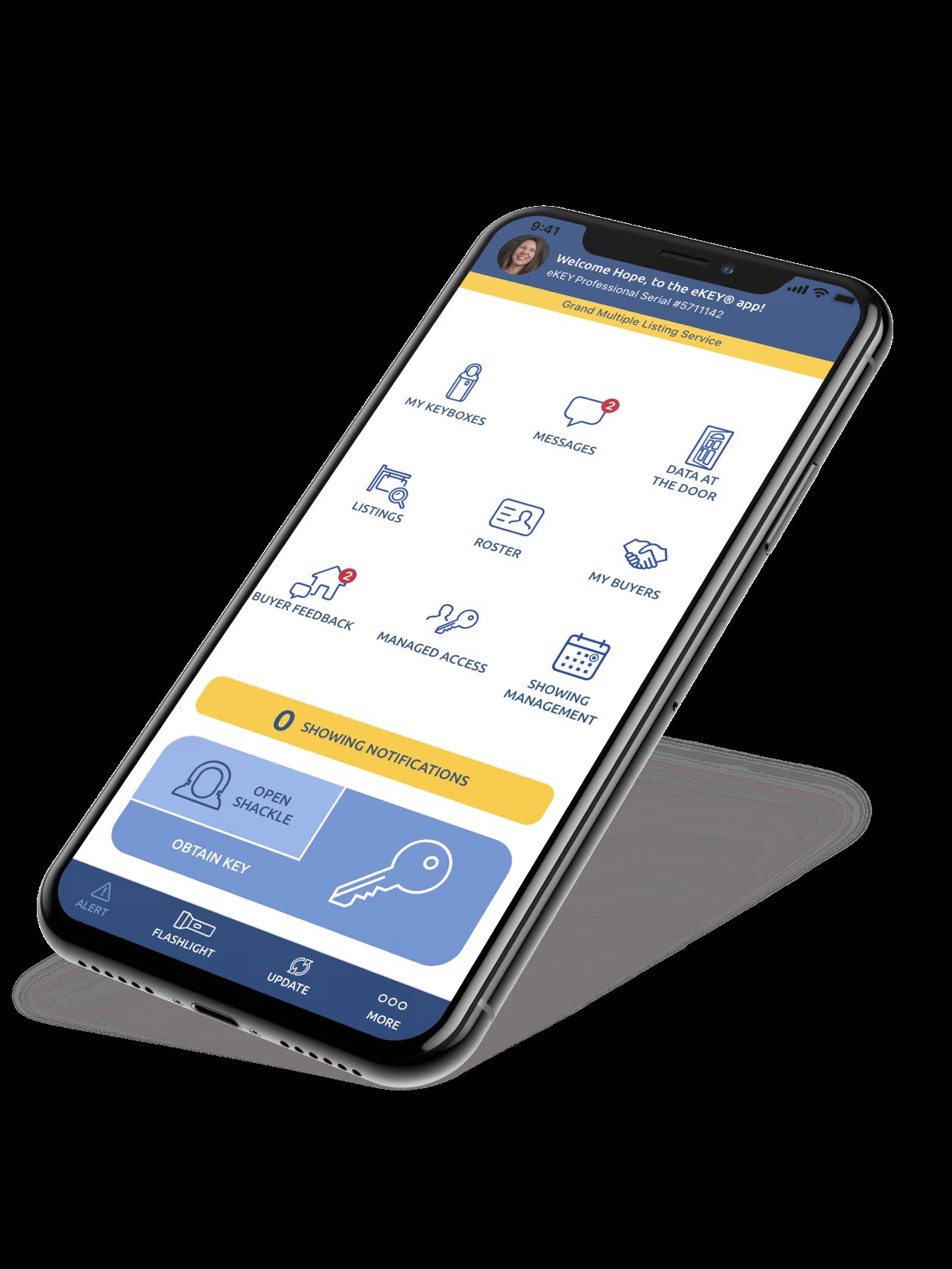
Join over a million agents using Supra’s electronic lockboxes to secure and access listing keys. Every time a lockbox is opened, you get activity data at your fingertips—bringing accountability, convenience, and insight to every showing.
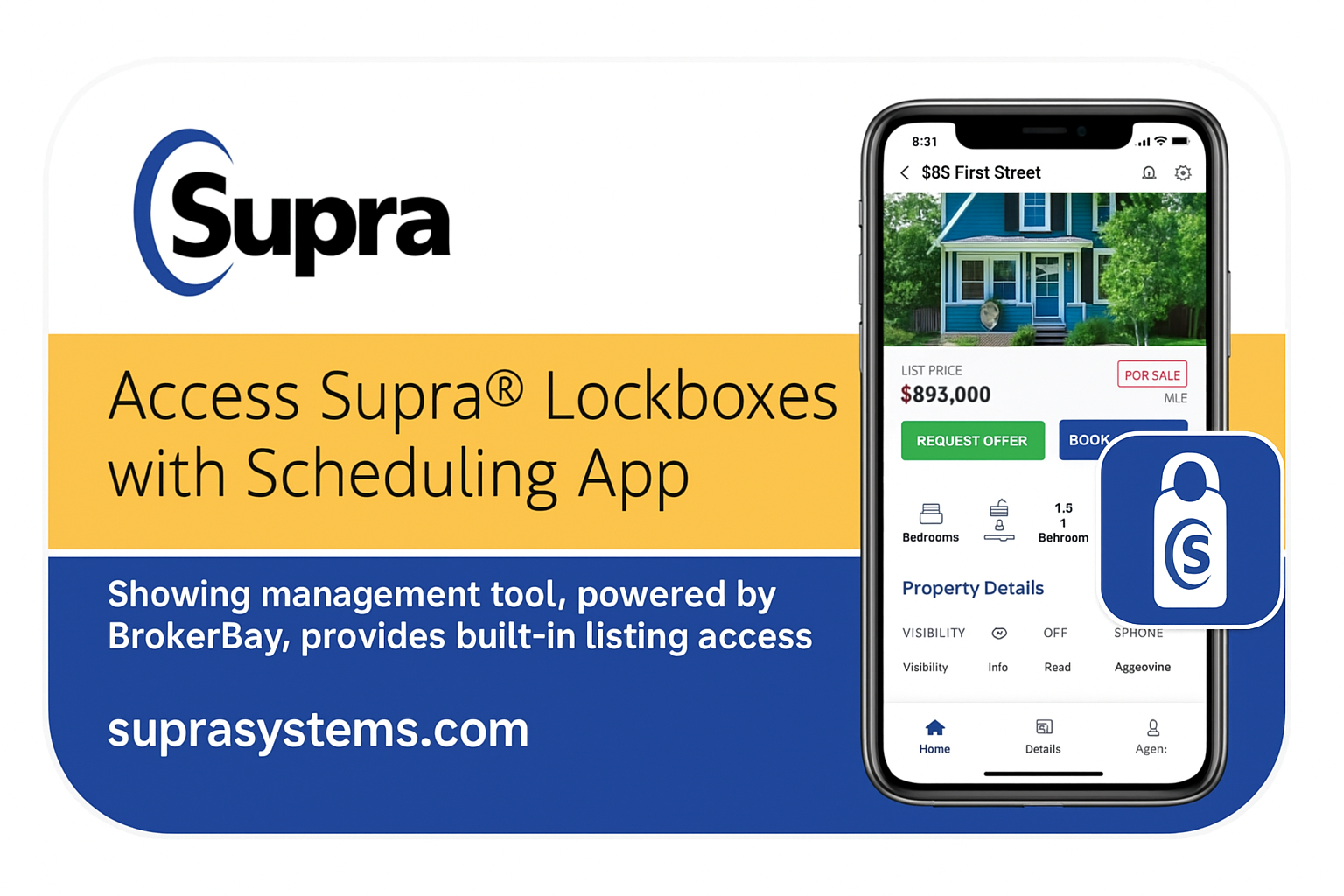
Download the Supra eKEY® app to your phone or tablet.
CREA Webforms is where you’ll find all the forms you need to run your business. Add contacts, prepare offers and agreements, and send documents out for signature using connected tools like Authentisign.
Rated by REALTORS® as CREA’s most-valued product.

